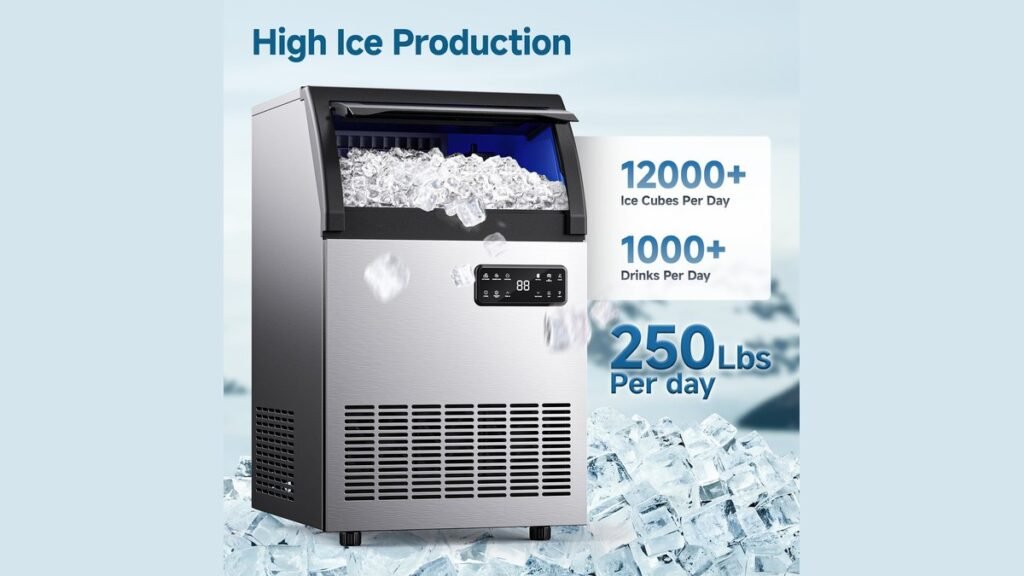
Using an ice machine involves connecting a water supply, ensuring proper ventilation, and maintaining a regular cleaning schedule to keep your cubes fresh and sanitary. Whether you’re operating a small countertop unit or a large commercial bin, the core principles remain consistent: provide fresh water, allow for airflow, and sanitize the internal components. By following the manufacturer’s specific sequence for startup and maintenance, you ensure the longevity of your machine and the safety of the ice it produces.
Key Takeaways
- Always place your unit on a level surface to ensure proper water distribution.
- Use filtered water to prevent mineral buildup and extend the life of the pump.
- Leave at least six inches of clearance around air vents for heat dissipation.
- Sanitize the machine every three to six months to prevent mold and bacterial growth.
- Empty the reservoir or bin completely before moving the unit or performing maintenance.
How To Use An Ice Machine
Most portable ice machines are “plug-and-play” devices, while commercial units require a dedicated plumbing connection. To start, place your unit in a well-ventilated area, away from heat sources like ovens or direct sunlight. If your machine uses a reservoir, fill it to the designated “max” line with potable water. Turn the power on and select your desired cube size if the model offers that feature. The machine will then begin its cycle, which typically involves pumping water over a refrigerated evaporator plate.
| Component | Function | Maintenance Frequency |
|---|---|---|
| Water Filter | Removes impurities and minerals | Every 6 months |
| Evaporator Plate | Freezes water into ice shapes | Monthly inspection |
| Drainage Plug | Removes stagnant water | After every use |
| Air Filter | Prevents dust from clogging vents | Quarterly cleaning |
Why Is My Machine Not Working?
If your ice machine fails to produce cubes, start by checking the water level. Many units have a sensor that halts operation if the reservoir is empty. Next, verify that the ambient temperature is within the manufacturer’s specified range; if the room is too hot, the compressor may overheat. Finally, inspect the ice tray for blockages or large ice clumps that may have jammed the harvest cycle.
Warning: Always unplug the device before inspecting internal components to avoid electrical shock or accidental activation of the ice-harvesting fingers.
Cleaning And Sanitizing Steps
Regular cleaning is essential to prevent the accumulation of scale and slime. Begin by turning off the machine and draining all water from the reservoir. Use a solution of warm water and a mild dish detergent to wipe down the interior bin and the water tray. For deep cleaning, use a nickel-safe ice machine cleaner to dissolve mineral deposits on the evaporator. Rinse all components thoroughly with clean water to ensure no chemical residue remains before restarting the ice production cycle.
Recommended Cleaning Supplies
- Non-abrasive microfiber cloths
- Food-grade nickel-safe descaling solution
- Soft-bristle nylon brush
- Mild, unscented dish soap
Managing Water Supply Quality
The quality of your ice is directly tied to the quality of your water. High mineral content, often referred to as “hard water,” causes scale to build up rapidly on the evaporator, which acts as an insulator and slows down production. Installing a water filtration system can significantly reduce these issues. According to the FDA Food Code guidelines, all equipment that touches ice must be kept in a sanitary condition to prevent contamination of the final product.
Proper Ventilation And Placement
Ice machines generate a significant amount of heat during the refrigeration process. If the exhaust vents are blocked by walls, cabinets, or debris, the machine will struggle to reach the freezing temperatures required for ice production. Ensure your unit has at least six inches of space on all sides to allow for adequate heat exchange. Avoid placing the unit on carpet, as this can restrict airflow into the bottom intake vents.
Optimal Ice Storage Practices
If you’re using a commercial bin or a large countertop storage area, keep the lid closed as much as possible to maintain low temperatures. Use only the provided plastic scoop to retrieve ice; never use glass or ceramic containers, as these can shatter and create a dangerous hazard in the ice supply. If you notice the ice is melting faster than expected, check the door seal for cracks or gaps that might be letting warm air into the storage compartment.
Troubleshooting Common Issues
| Symptom | Potential Cause | Immediate Action |
|---|---|---|
| No Ice Produced | Empty water reservoir | Refill to the max line |
| Small, Thin Cubes | Low water flow/clog | Clean the pump filter |
| Loud Grinding Noise | Mechanical obstruction | Check for ice jams |
| Cloudy White Cubes | Excess mineral content | Use filtered water |
Pro Tip: If your machine is new, run at least three full cycles of ice and discard those batches before using any for consumption to ensure the internal system is properly flushed.
Related guides
Frequently Asked Questions
Can I use tap water?
Yes, most ice machines are designed to operate with standard municipal tap water. However, if your local water is hard or contains high levels of chlorine, you may notice a distinct taste or faster scale buildup. Using a filtered water supply will improve the flavor of your ice and reduce the frequency of professional descaling required to keep the machine running efficiently.
How often should I sanitize?
You should perform a deep sanitization of your ice machine at least once every three to six months. If your machine is located in a high-humidity environment or is used heavily, consider cleaning it monthly. Regular maintenance prevents the formation of biofilm, which can harbor bacteria and mold, ensuring your ice remains safe and fresh for consumption throughout the year.
Why is my ice cloudy?
Cloudy ice is usually caused by trapped air bubbles or dissolved minerals in the water. As the water freezes from the outside in, these impurities are pushed to the center of the cube, creating a white or opaque appearance. While this isn’t harmful, it can be minimized by using distilled or reverse-osmosis filtered water, which removes the minerals that contribute to the cloudy appearance.
Is it safe to leave on?
It’s generally safe to leave an ice machine powered on, provided it’s installed in a well-ventilated area. Most modern units are equipped with sensors that automatically stop production once the storage bin is full. If you plan to be away for an extended period, it’s best practice to turn off the machine and empty the reservoir to prevent stagnant water buildup.
Can I move a machine?
You can move your ice machine, but you should wait at least 24 hours before turning it back on after relocation. Moving the unit can cause the refrigerant oil in the compressor to shift into the cooling lines. Allowing the machine to sit upright lets the oil settle back into the compressor, preventing potential damage to the refrigeration system when it starts up again.
To ensure your machine continues to produce high-quality ice, set a recurring calendar reminder to perform a deep descaling and sanitization every three months. Keeping the air vents clear of dust and ensuring the water supply is filtered will help you avoid common performance issues. For specific mechanical concerns, always consult your owner’s manual for the model-specific reset procedure.